
Creating online courses doesn’t need to be a stressful, time-consuming process. Two concepts that have a large return for a small investment are microlearning (the art of creating small, “bite-sized” courses) and content curation (the practice of leveraging pre-existing content that was either created either by you or another author). When these practices are combined, curated microlearning content offers your audience exactly what they need, in a process that is quick and efficient for both the designer and the learners themselves. Curious to know more? Let’s dive deeper into these two topics.
What Is Microlearning?
Microlearning, which is typically defined as small units of educational content, has become an important way for learners to access information quickly and easily. It allows learners to access just the information they need, at the precise moment they need it. Examples include infographics, short videos, interactive modules, and even images.
Often described as “bite-sized” learning, microlearning is small in scope but offers the rich reward of being exactly what learners need with no filler or fluff. It is becoming more than just a trend, and there are even educational platforms and authoring tools designed to create and support microlearning initiatives.
Benefits of Microlearning
Microlearning is a powerful and versatile tool in the teaching/learning toolkit, and through the curation of content, it can easily augment and complement other existing training curriculums. A 2018 study conducted by eLearning Industry documented that today’s learners are interested in increasing their knowledge, but struggle to find the time to do so. With factors such as employee retention, engagement, and performance all tied to professional development opportunities on the job, it could be argued that businesses can’t afford to not offer educational opportunities to their employees! Microlearning fits this need perfectly, by offering highly consumable content in small segments that actually fit nicely into busy days.
The benefits of microlearning are many, and can include:
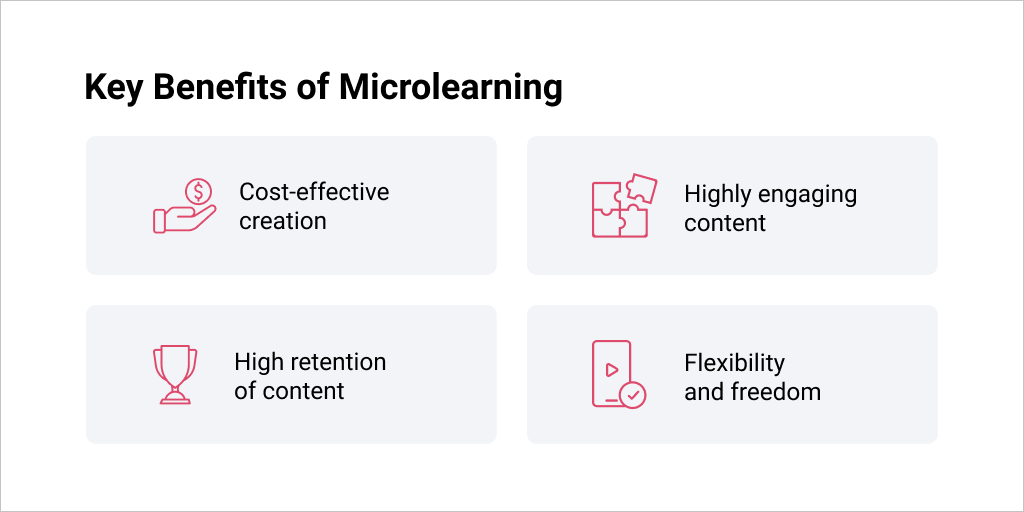
- Cost-effective creation: The small scope of microlearning corresponds to shorter development time and fewer resources spent creating it.
- Highly engaging content: Microlearning hits the spot when learners are in need. The content tends to be pulled, not pushed, meaning learners actually seek it out for themselves!
- High retention of content: Because microlearning often engages learners with eye-catching audio, video, or interactive tasks, as well as straightforward messaging, it sticks. Especially when used to repeat or reinforce content introduced elsewhere, microlearning is tied to high retention of information.
- Flexibility and freedom: Today’s learners and employees are on the go, working remotely, and often on mobile devices. Microlearning meets their needs by offering multimedia content and brief passages of text that fit on small device screens without the need to scroll. Whether the learner is at a desk, on their commute to work or school, or simply anywhere, microlearning is available when needed.
Another beauty of microlearning is that it lends itself well to curation, which means reusing, repurposing, and “recycling” your pre-existing content in new ways, without having to start from scratch. Are you wondering how to create online courses by curating content? Let’s explore some best practices, specifically as it relates to microlearning.
Tips for Curating Content for Microlearning
Consider the following strategies when curating content for microlearning courses:
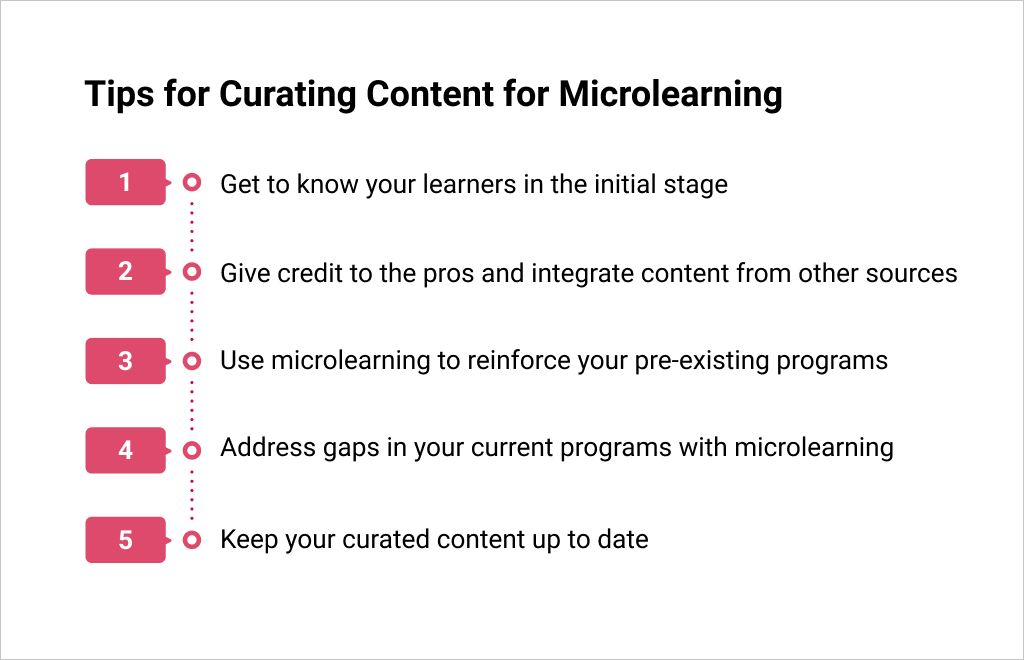
1. Get to know your learners in the initial stage
Conducting a thorough needs analysis should be step one of any instructional design project. This process will uncover who your learners are, what they already know about the topic of your training, and how they like to learn. Are they based in an office or out in the field? What type of devices do they use to complete a training? What is their motivation to complete this training?
The answers to these questions will reveal personal learner demographics that will guide you in curating content that will appeal to your learners. Using source material from people your learners trust and respect, presenting them with media that catches their interest, and giving them information during their moments of need will make your curated microlearning initiatives successful.
2. Give credit to the pros and integrate content from other sources
YouTube, TED Talks, and even social media can be excellent examples of repositories for microlearning content. When you use reputable sources of information on any of these highly engaging platforms, your learners will appreciate hearing these perspectives. Save time and money by linking to pre-existing content that is publicly available, but make sure to cite these sources to give them credit for the information.
3. Use microlearning to highlight and reinforce the content in your existing programs
Look no further than your own content the next time you’re tasked with updating one of your existing training programs. Consider how your old course content could find new life in a microlearning format. Do you have classroom sessions or webinars that you could extract content from and convert into eLearning microcourses? This would allow learners to find your content in an asynchronous setting, freeing your content from a classroom environment or from scheduled, staffed training sessions.
Microlearning doesn’t have to be a standalone product to be effective, and can be paired with current training programs to reinforce broader concepts. For example, micro-sized videos and podcasts could be used throughout existing training programs to reinforce and review content. Even assessments and quizzes fit within a microlearning approach.
4. Address gaps in or add small updates to your current training programs with microlearning
Time and resources are finite, so if you need to make minor updates or address oversights in a current program, microlearning can help with that. It can quickly be added to any current training program to introduce new content or to cover content that may have been overlooked in your first release. Furthermore, if you work in an environment where content is subject to frequent updates, or if you need to create training within a tight timeline, microlearning is a powerful solution for those challenges.
Content curation comes into play if your new microlearning content incorporates information from your organization’s internal databases or communications, such as your intranet, press releases, website, or any other internal or external communications. If your company’s marketing or communications department has already written content covering the same topic as your training, leveraging that information not only saves time but also ensures your courses remain consistent with company verbiage and messaging.
5. Keep your curated content up to date
When publishing to your LMS, consider pairing the proprietary content that your company created alongside a section of curated content showing videos, blogs, and articles from industry experts and thought leaders. To keep things fresh, you could even provide links to sites such as industry journals or trade publications that regularly put out new content. This allows your learners to have up-to-date information at their fingertips and removes the burden of your having to routinely locate and share new media.
In Summary
By resembling the type of content people search for willingly outside of work and school, microlearning has become a powerful tool of both corporate and academic instructional designers. It is both eye-catching and instructionally sound, and packs a powerful message into a small package.
Microlearning also lends itself well to curation, which is the repurposing of previously used content. This approach allows designers to reinforce key themes, reengage learners, and even assess learners’ knowledge and performance. Curation saves both time and money, and helps projects get completed on time, on budget, and within scope.

The post How to Curate Content for Microlearning appeared first on Scoop.it Blog.

from Scoop.it Blog https://ift.tt/3hJElZH
via IFTTT
Comments
Post a Comment